Core features
Everything you need to manage your stock, without friction.
Catalog, loans, search, events: the four pillars of EventStock day to day.
Catalog
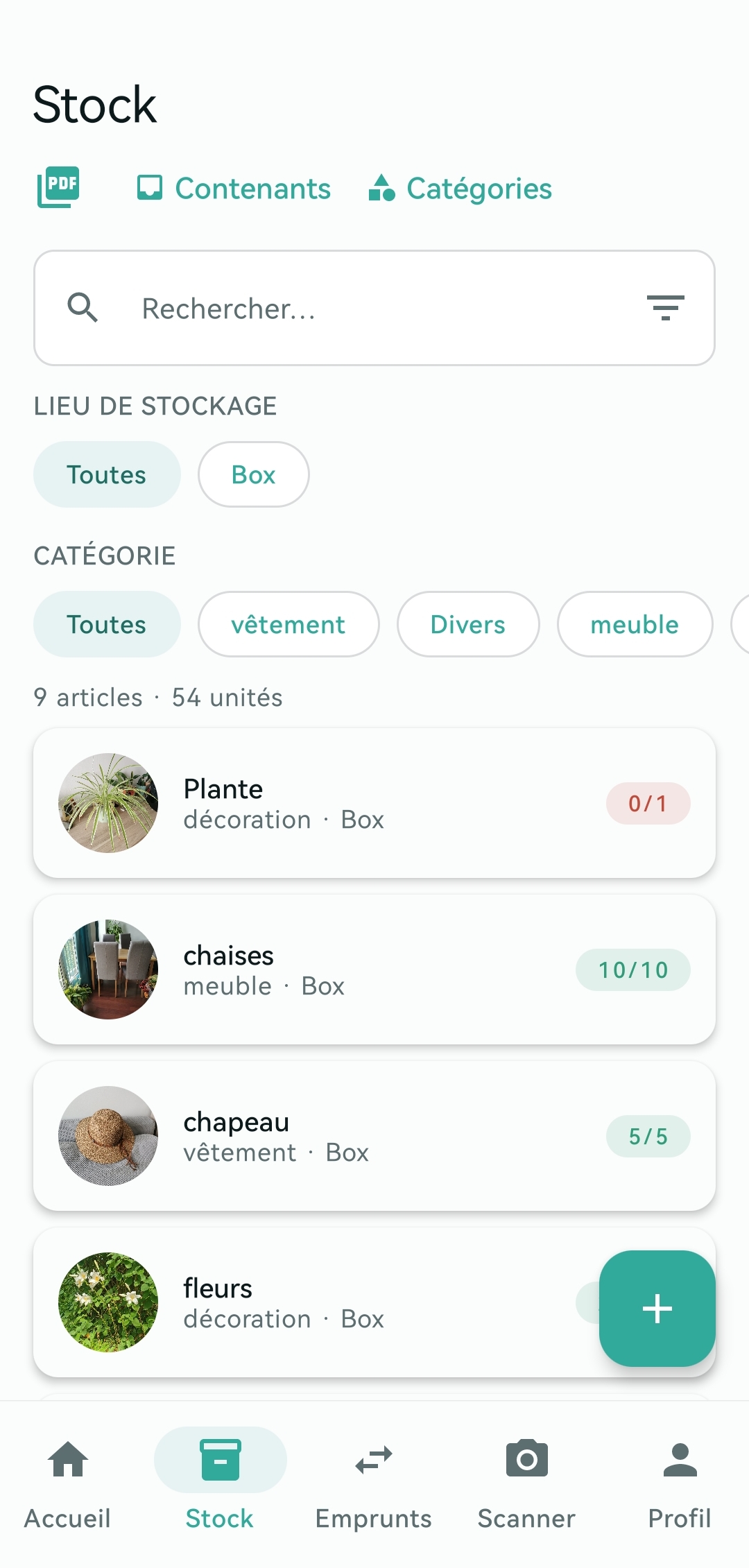
Item catalog
Create and organize your complete item catalog with details, photos and custom categories.
- Easy item creation with an intuitive form
- Custom categories (Sound, Lighting, etc.)
- Photos and descriptions for every item
- Automatic generation of unique QR codes
- Configurable low-stock thresholds
Loans
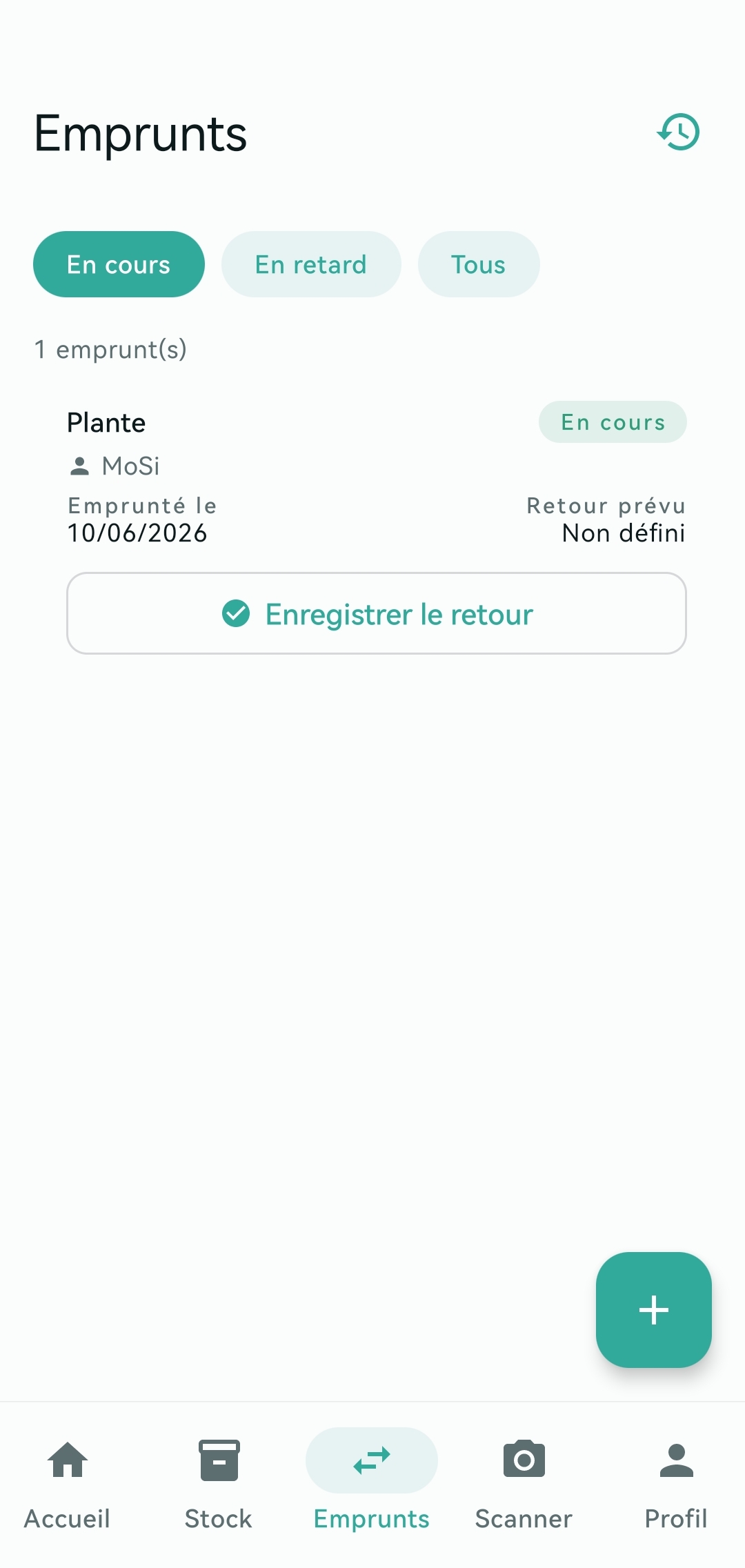
Fast loans and returns
Record loans and returns in under a minute. Scan a QR code or select manually.
- Record a loan in under 60 seconds
- QR code scan or manual selection
- Optional photo of the equipment condition
- Automatic team notifications
- Availability check
- Automatic detection of overdue returns
Search
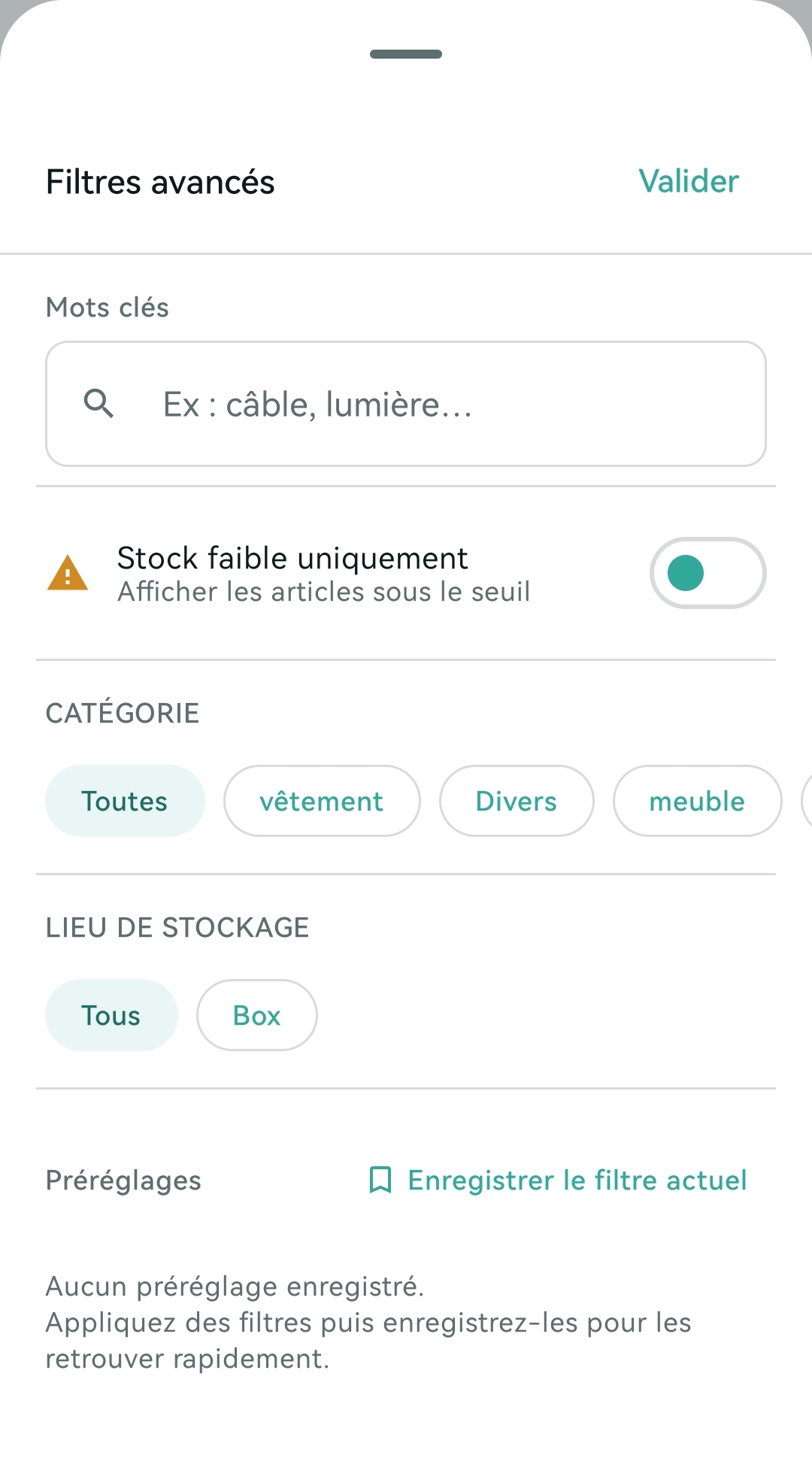
Search and filtering
Find any item with advanced search and filters.
- Instant search by name, category, tags
- Filters by category and tags
- Immediate results
- Save your favorite filters
- Scan a QR code for direct lookup
Events
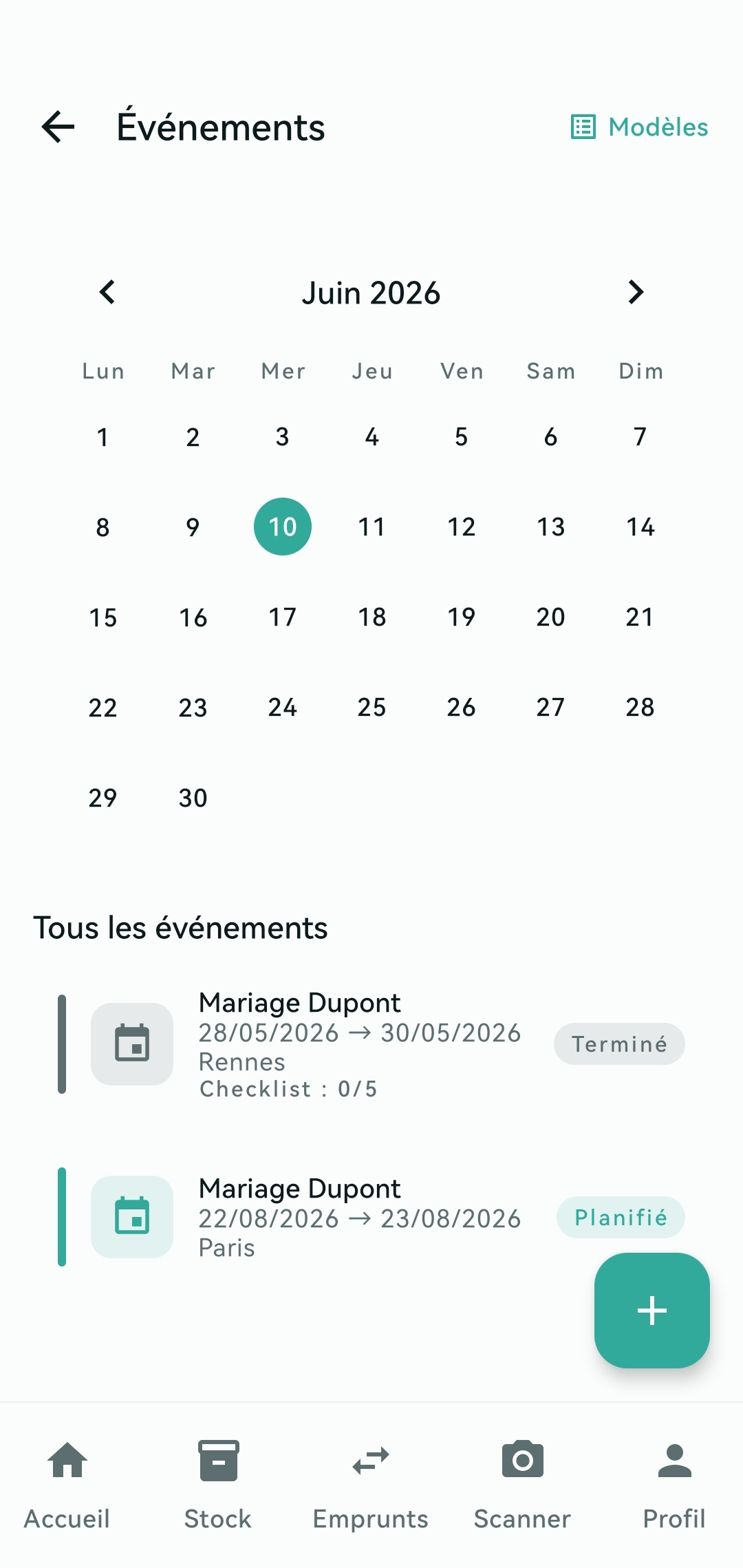
Event management
Create events and attach the items they need.
- Create event records (date, location, team)
- Checklists of required items
- Automatic availability checks
- Alerts when equipment is missing
- Status tracking: planned, in progress, done
- Complete history for every event
Bookings
Two events, one projector
EventStock compares your event dates and warns you when two of them book the same item at the same time — before the problem reaches the field.
- Day-level date windows for both events and loans
- Alert as soon as bookings add up to more than available stock
- Banner on the affected event, naming the one holding the units
- Blocking on event creation as well as on edit
- Override restricted to administrators and recorded in the audit log
- Warning when a stock decrease puts existing events in conflict
And for teams that want more?
Offline mode, multi-team management, containers and smart alerts.
See advanced features